Chores, room by room
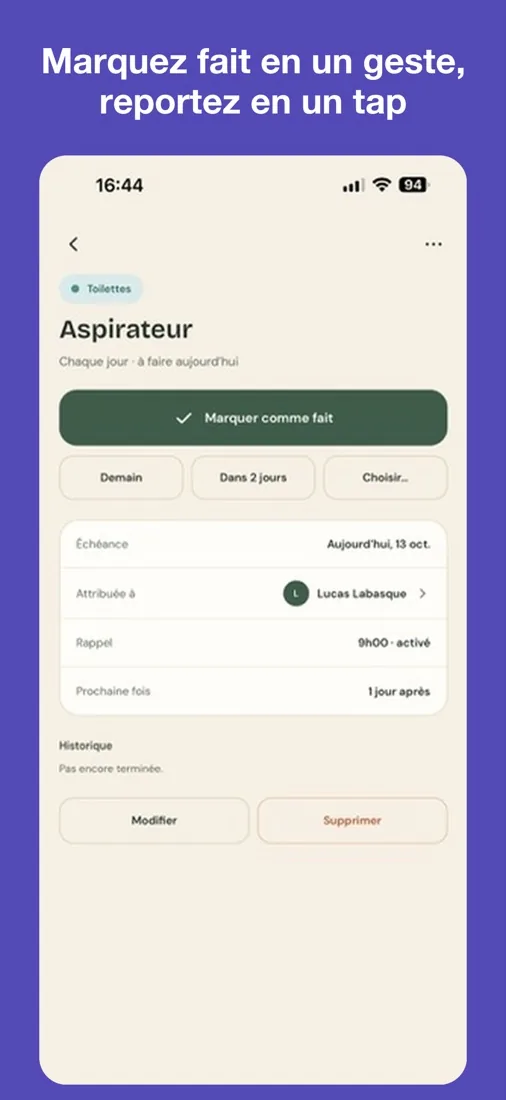
Plan the chores of each room, share them with your household and get a reminder at the right time. Chore done? Mark it with one tap and the next due date is worked out for you.
A look at the app
What you get
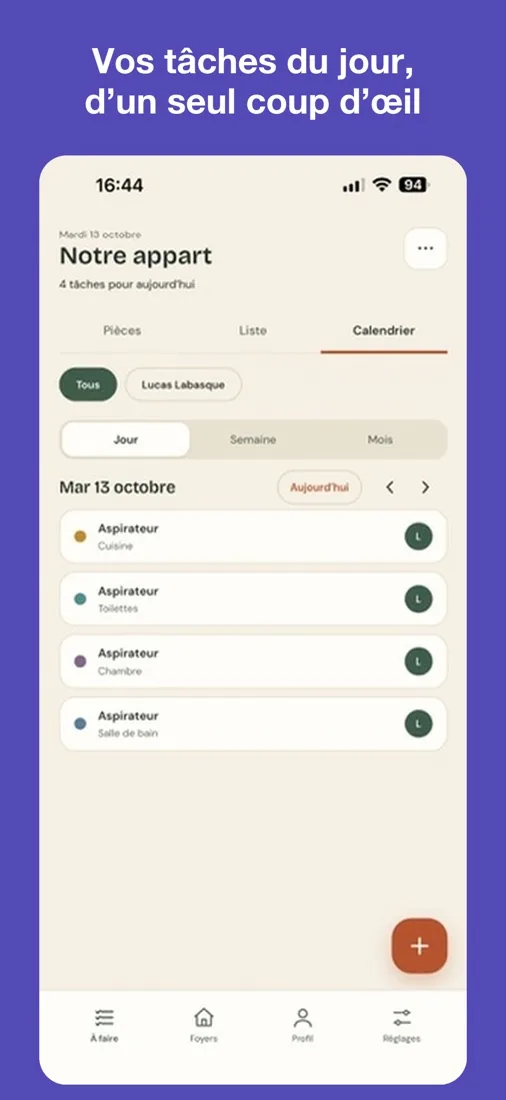
- Chores by room, with their frequency and next due date
- Three views: rooms, list and calendar
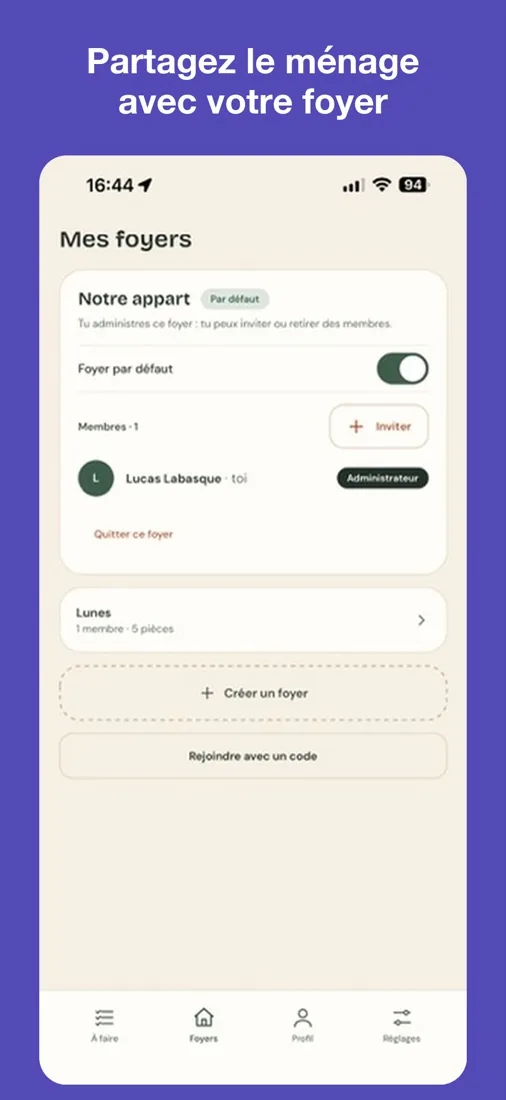
- A shared household: invite people with a code and assign chores
- Reminders at the time you choose
- A vacation mode that pauses reminders and postpones chores
- No ads, and usable without an account on your device
Frequently asked questions
Do I need an account?
No. Choose "Use without an account, on this device" and your chores stay on your phone. An Apple or Google account is needed to share a household and find your data on another device.
How do I join a household?
Sign in, open the Households tab, tap "Join with a code" and enter the invitation code you received.
I don't get reminders
Check that notifications are on in the app's Settings tab, then in your phone settings. Vacation mode also pauses reminders.
I can't sign in
Check your internet connection and try again. If it keeps happening, email us and tell us which service you used (Apple or Google).
How do I delete my account?
In the Profile tab, tap "Delete my account". You can also request it by email. See the privacy policy for details.
Contact us
A bug, a question, an idea?
Email labasquelucas@gmail.com
Tell us your phone model: we reply within a few days.